
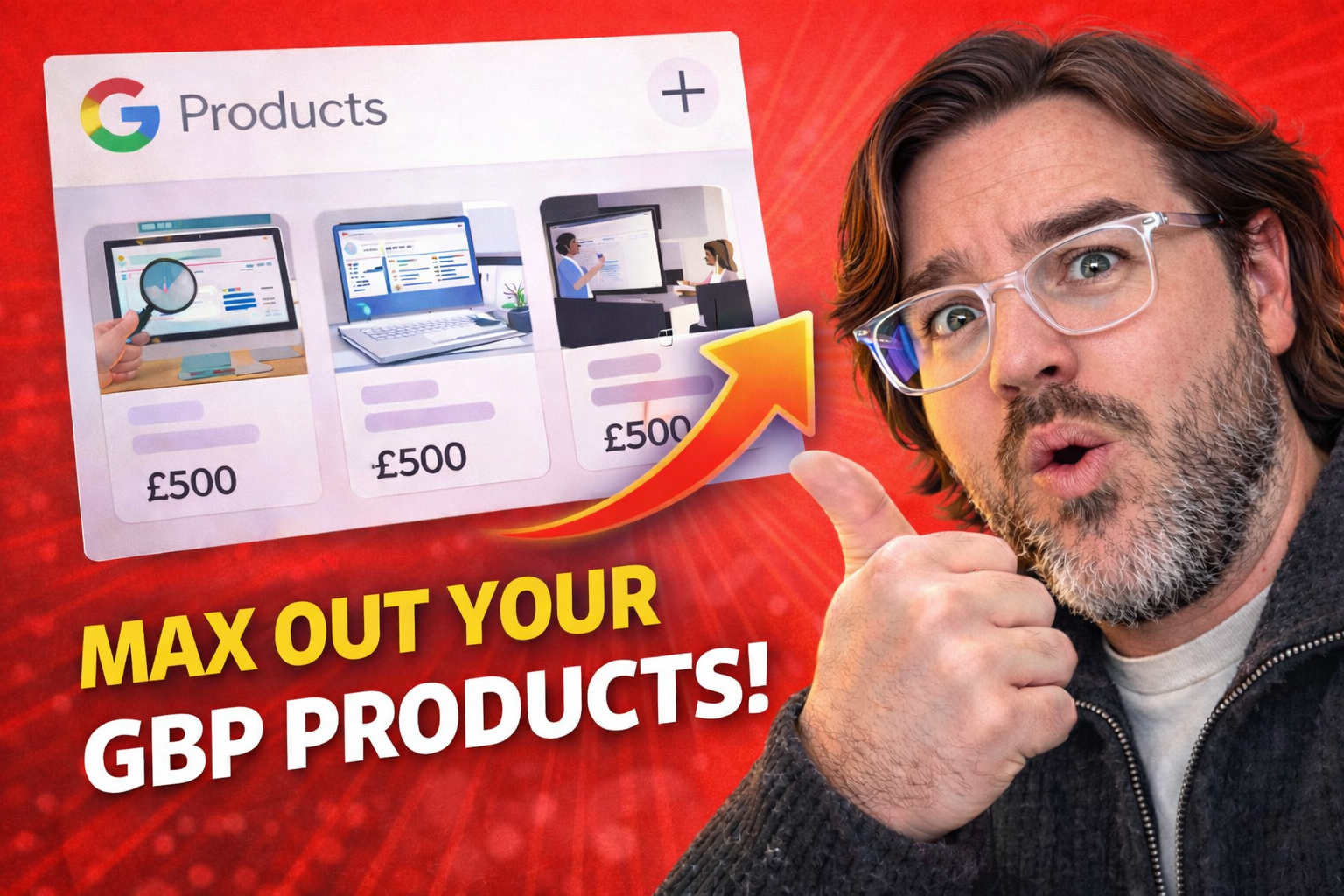
Most businesses leave the Products section empty on their Google Business Profile.
That’s a missed opportunity, not because it’s a “ranking hack”, but because it improves what actually matters in Google Maps: engagement, trust, and enquiries.
When someone finds you in Google Maps, they want instant clarity on three things:
- what you offer
- what it costs
- what to do next
A well-built Products section acts like a mini service menu inside Google — helping customers click, scroll, and enquire faster.
What Are GBP Products?
The Products feature lets you add offers directly to your Google Business Profile. Each product can include:
- a product name
- an image
- pricing (optional)
- a description
- a link to a relevant page (optional but recommended)
It’s one of the most visual, high-attention areas of your profile — which is why it can have a noticeable impact on customer actions.
If you want official guidance from Google, start here:
Why Products Help in Google Maps
Most local customers don’t visit websites first. They make decisions inside Google Maps.
So the goal of your Products section is to make your business easier to:
- understand
- trust
- choose
Products do that by giving a searcher something concrete to interact with — and that interaction typically increases:
- time spent on your profile
- scroll depth and clicks
- calls, messages, and website visits
Step-by-Step: How to Optimise Your GBP Products
1) Add 6–10 Products (Not 1–2)
A single product looks unfinished. A full set creates a real “menu”.
Start by adding offers that map to real customer intent, such as:
- your most popular service
- your main package or plan
- a starter offer (audit, consultation, assessment)
- a premium offer (strategy session, workshop, done-for-you)
2) Use Clear, Customer-First Titles
Keep titles simple and specific. Aim for 3–7 words. Avoid vague naming like “Service Package”.
Good examples:
- Local SEO Strategy Session
- Technical SEO Audit
- Google Business Profile Optimisation
Bad examples:
- Package 1
- Best Service
- SEO Solutions
3) Use Strong Images (This Matters More Than You Think)
Products are visual. Poor images reduce trust fast.
Keep your product images:
- clean (minimal clutter)
- consistent (same style across products)
- clear (high contrast, readable at thumbnail size)
4) Add Prices (Optional, But Powerful)
Pricing acts as a filter. It reduces low-quality enquiries and sets expectations before someone contacts you.
If you don’t want to show exact pricing, use a “from” anchor or a typical starting figure where appropriate.
5) Write Descriptions Using Triplets
You don’t need long copy. You need clarity.
A simple description format that works well:
- Who it’s for
- What it includes
- What happens next
Example:
Founder-led session for business owners who want clear priorities. Includes a review of your current performance, key opportunities, and next-step actions. Book now to get a focused plan.
6) Use Direct Links (Don’t Send Everything to the Homepage)
Link each product to the most relevant page you have — not a generic services page.
Better linking improves:
- relevance
- conversion rate
- customer confidence
Common GBP Product Mistakes to Avoid
- Leaving products empty (wasted space)
- Using unclear titles (confuses customers)
- Using random images (reduces trust)
- Linking everything to the homepage (lower conversion)
- Creating products that don’t match your services (misalignment)
- Lacking recent reviews to your GBP profile
How Products Fit Into Local SEO (The Bigger Picture)
Products won’t replace the fundamentals of local SEO, but they can amplify your performance by improving engagement and conversions inside Google Maps.
If you want the wider framework behind local visibility, read this next:
Local SEO in 2026: What Actually Drives Google Maps Visibility?
Need Help Setting Up GBP Products Properly?
I’m Adam Collins, a London-based SEO consultant. I help businesses build Google Business Profiles that are clear, trustworthy, and built to convert.
If you want training for your team or an event session, you can book me here:
SEO Training & Speaking Sessions
Quick tip: Add 6–10 products, keep the images consistent, use clear titles, and link directly to the right page. Your GBP starts behaving like a second website inside Google.